 06 May 2026
 Share
Share
1
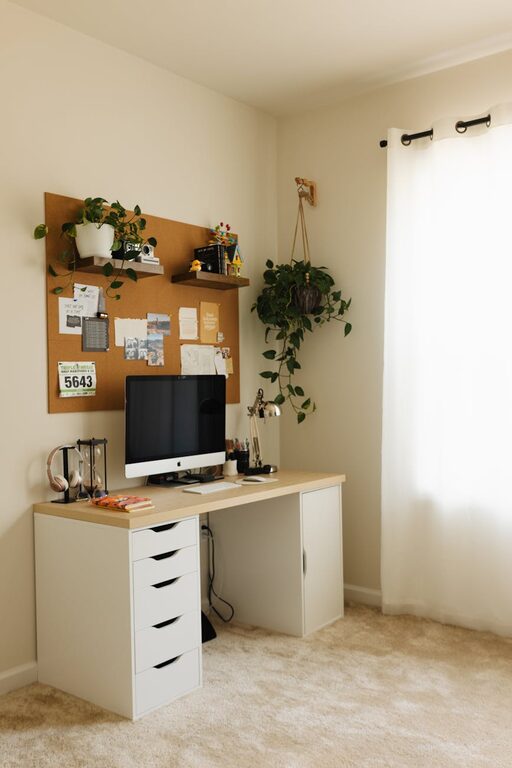
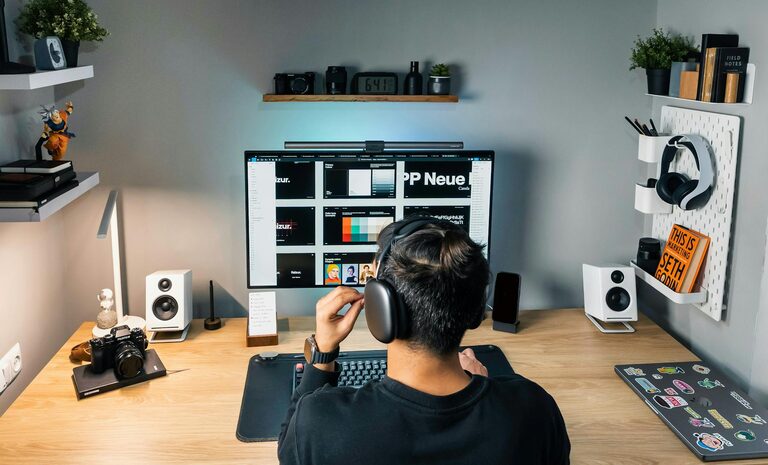
Creating a comfortable and productive home office space can make a big difference in your workday. Whether you’re working remotely full time or just need a quiet spot for occasional tasks, a well-designed workspace helps you stay focused, organized, and motivated. Here are some practical tips to help you set up a home office that works for you.
Finding the right spot in your home is the first step. Ideally, select a quiet area with minimal distractions. Here are some things to consider:
– Natural Light: Try to position your desk near a window to take advantage of natural light. It improves mood and reduces eye strain.
– Privacy: Pick a space where you can close the door or at least limit interruptions.
– Space: Make sure there is enough room for your desk, chair, and any equipment you need.
If space is limited, consider creative options like a corner nook or a fold-away desk.
Comfort goes hand in hand with productivity. Ergonomic furniture supports your posture and prevents discomfort. Key elements include:
– Chair: Choose an adjustable chair with good lumbar support to avoid back pain.
– Desk: Find a desk at the right height for typing and writing. Adjustable desks that allow sitting and standing can be a great option.
– Accessories: Use a separate keyboard and mouse if you have a laptop, and consider a monitor riser to keep your screen at eye level.
Taking care of your physical comfort helps you stay focused and avoid fatigue.
A tidy desk promotes clear thinking and efficiency. Here are simple organizational tips:
– Declutter: Keep only essential items on your desk to minimize distractions.
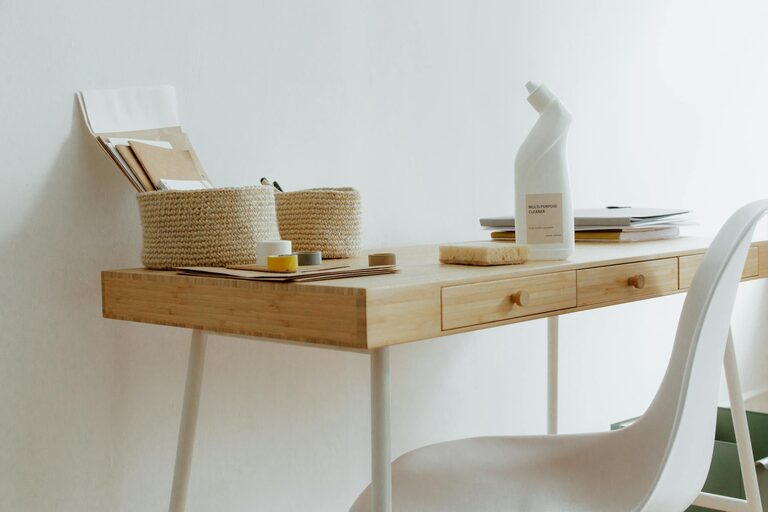
– Storage: Use shelves, drawers, or filing cabinets to store papers, supplies, and equipment.
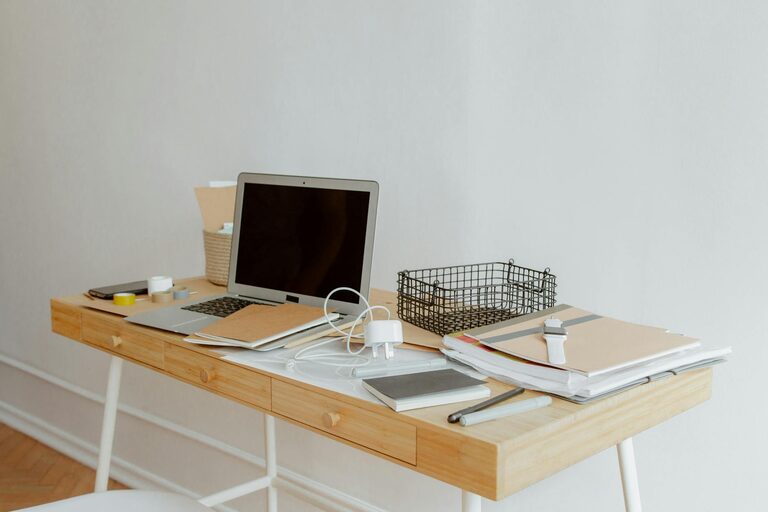
– Cable Management: Use cable organizers or clips to keep wires neat and prevent tangles.
– Desk Accessories: Consider using desk organizers or trays to sort pens, notepads, and other small items.
By organizing your space, you save time looking for things and maintain a clean environment.
Proper lighting is crucial for reducing eye strain and fatigue. Here’s how you can improve it:
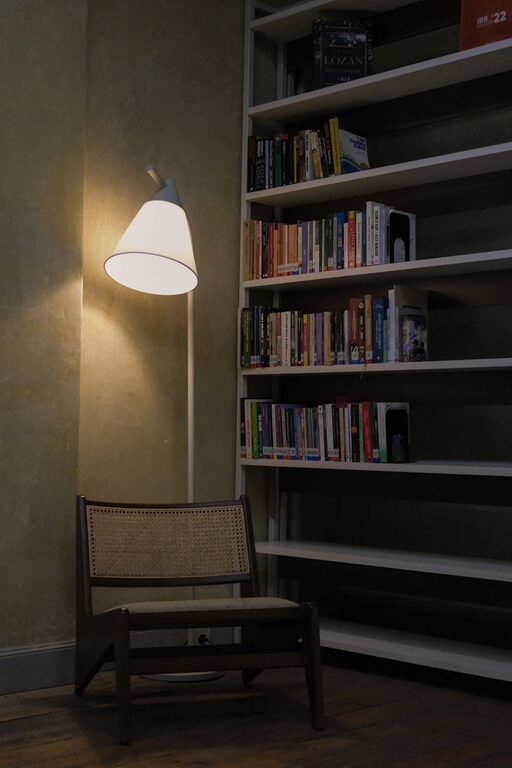
– Layer Lighting: Use a combination of natural light, overhead lights, and task lighting.
– Adjustable Desk Lamp: A desk lamp with adjustable brightness allows you to focus light where you need it.
– Reduce Screen Glare: Position your computer screen to avoid glare from windows or lights. You might also use an anti-glare screen protector.
Good lighting keeps you energized and comfortable during long work sessions.
A quiet environment helps maintain concentration. Here’s what you can do:
– Noise-Cancelling Headphones: These can block out background noises and help you focus.
– Soundproofing: Add rugs, curtains, or acoustic panels to absorb sounds.
– Set Boundaries: If you share your home, clearly communicate your working hours to others to reduce interruptions.
Finding ways to limit distractions lets you work more efficiently.
Adding personal touches can make your home office feel inviting and boost your mood:
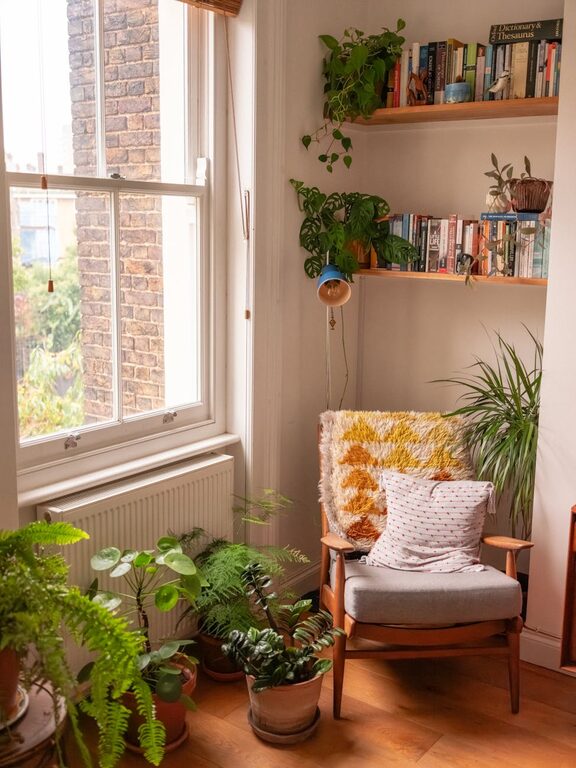
– Plants: Indoor plants improve air quality and add a splash of color.
– Artwork or Photos: Choose visuals that inspire or relax you.
– Colors: Use calming or motivating colors depending on your preference.
– Comfort Items: A cozy throw blanket or a small cushion can make your chair more comfortable.
A pleasant environment encourages you to spend time working without feeling stressed.
A dedicated workspace is only effective when paired with good habits. Keep these in mind:
– Consistent Hours: Try to work at the same times every day to build routine.
– Breaks: Take regular breaks to stretch and rest your eyes.
– End-of-Day Ritual: Clear your desk and plan for the next day to separate work time from personal time.
Combining a well-designed space with a routine helps maximize your productivity.
Having efficient technology can prevent frustration and wasted time:
– Reliable Internet: A strong connection is essential for video calls and online work.
– Backup Devices: Have a charger and backup storage handy.
– Software Tools: Use productivity apps for task management, note taking, and communication.
Keeping your tech in good shape complements an effective workspace.
—
By applying these tips, you can create a home office space that supports comfort and productivity. Remember, your workspace should fit your personal needs and preferences. Experiment and adjust until you find what works best for your workflow and well-being. Happy working from home!